A1 Tooth Shade for Veneers
When A1 appears on a veneer plan, first check what the label describes. Separate the individual shade reference from the name of the guide and from the material proposed for your veneers.
Get the Colombia Smile Studio veneer travel guide. Illustrative dental objects. Colors are not a clinical shade match.
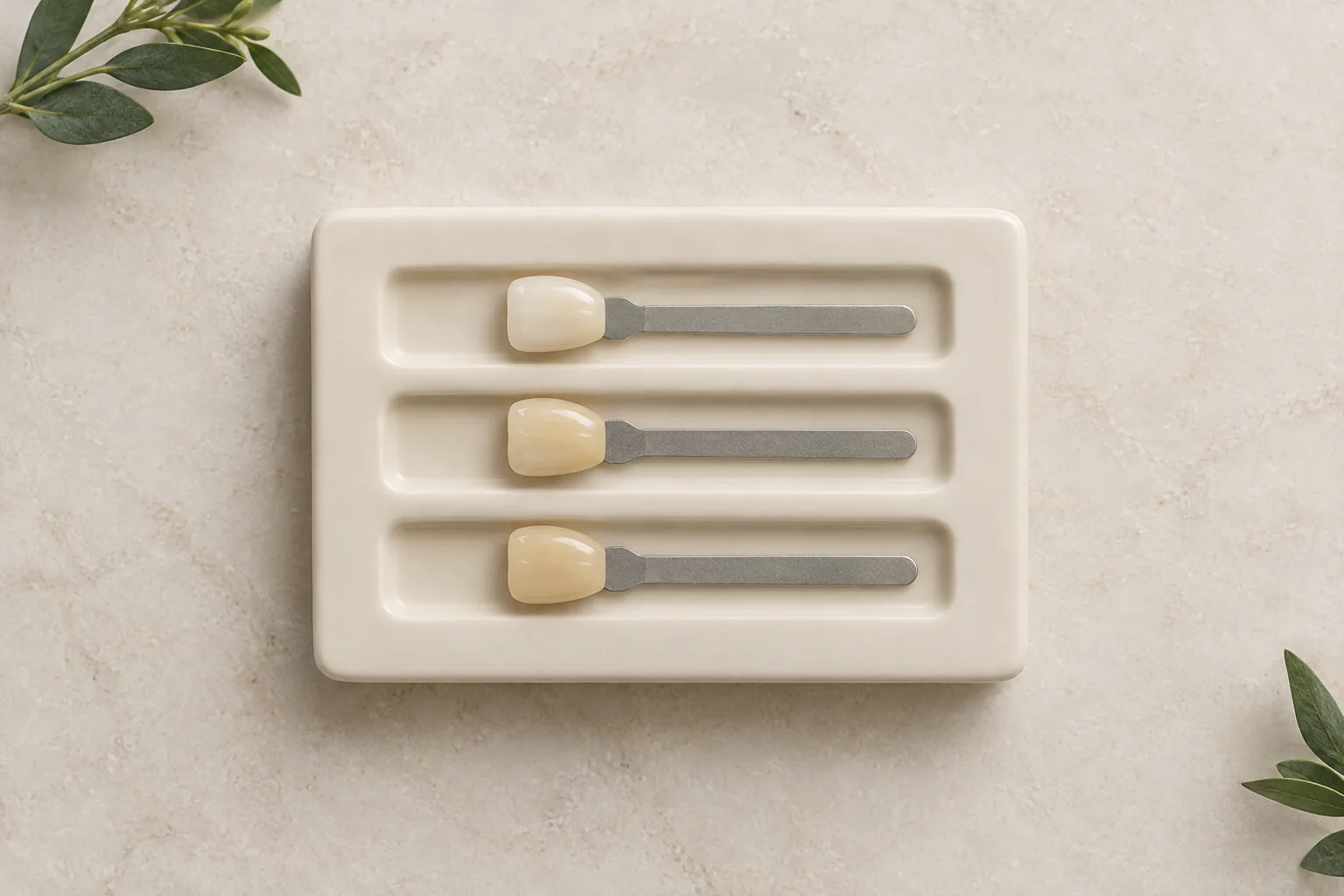
A1 tooth shade or A1-D4: read the label
A1 names one reference; A1-D4 names the wider VITA classical guide. Seeing A1-D4 on a guide does not mean every sample is A1. For a proposed veneer, ask for the individual reference and material to be recorded separately.
What A1 tooth shade identifies
VITA's classical guide groups A1 within the reddish-brownish A family. Read that as the manufacturer's family label, not a description of brown-looking veneers.
Check where you encountered the term: on an individual tab, on the guide cover or in a proposed treatment document. Those uses answer different questions. A guide name identifies the collection; it does not select the tab for your plan.
If the written proposal says only A1, ask which shade system it refers to and where the intended veneer material is specified.
Illustrative veneer materials. Displayed colors are not a clinical shade match.
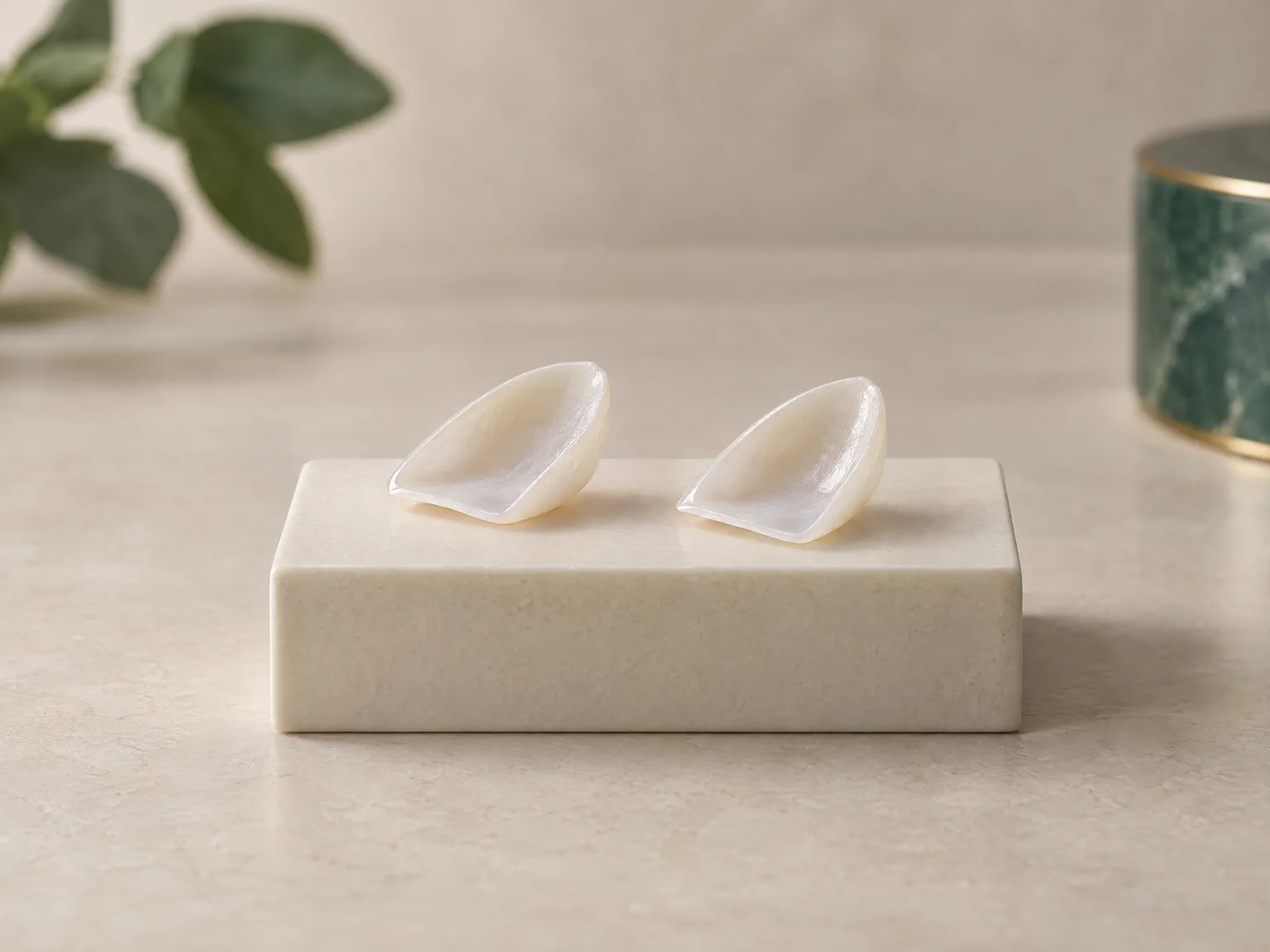
A1 tooth color and the A1-D4 guide
| Label | What it identifies | What to clarify |
|---|---|---|
| A1 | One named reference in the classical guide | Is this the specific tab proposed? |
| A1-D4 | The name of the wider classical guide | Which individual reference is being discussed? |
| A family | The family containing A1 | How will the sample be reviewed beside your teeth? |
A1 on a plan should be accompanied by the system name. The same document should identify the intended material separately. The shade label alone does not name the laboratory or describe the complete restoration.
Is A1 tooth shade too white?
An A1 label does not answer whether the proposed appearance feels too white to you. Make the concern specific: are you reacting to the physical reference, an online image or a proposed design? Bring that distinction into the discussion before treating the label as a decision.
The Ivoclar ceramic report explains that the underlying tooth, ceramic and bonding material contribute to appearance. A shade entry on its own therefore leaves material questions unresolved.
Ask your dentist to explain the material named in the proposal alongside the A1 reference. The porcelain veneer guide and Emax guide provide background for reading that part of the plan.
For the steps beyond identifying the label, continue to the veneer shade guide.
Find the A1 tooth shade comparison you need
| Your question | Focused reading |
|---|---|
| A1 or B1? | A1 vs B1 tooth shade |
| A1 or A2? | A2 and its neighboring references |
| What does B1 mean by itself? | B1 tooth shade |
| How does the overall design fit together? | Natural-looking veneers |
Choose the reading that matches the unresolved question on your plan. Before agreeing to a reference, ask how the selected code will be documented and which opportunities to review it are available; the presence of A1 on a document does not establish that a mock-up or try-in is included.
This page is for education only and does not replace an individual dental examination. Read the Terms and Medical Disclaimer.
Keep your A1 questions with your plan
Use the Colombia Smile Studio veneer travel guide to organize your questions before your individual dental discussion.
A1 tooth shade questions, answered
What does the A in A1 tooth shade stand for?
It identifies the A family in the VITA classical guide, described by VITA as reddish-brownish. The family description is not a claim that A1 veneers will look brown in your smile.
Does A1-D4 on a shade guide mean every tab is A1?
No. A1-D4 names the wider classical guide. A1 is one reference within it. Ask for the individual code as well as the guide name when discussing the proposed restoration.
Where can I compare A1 tooth shade with A2 or B1?
Use the A2 page for A1/A2 and the A1 vs B1 page for that comparison. Review the physical references with your dentist; the reading pages do not prescribe a shade for you.