B1 beside the teeth you will keep
Explain whether your priority is blending with surrounding teeth or discussing a brighter appearance. Ask to review the physical sample with your dentist.
Does B1 look too white in the example you saved? Use that reaction to describe your brightness preference, then separate what the photograph shows from what your own veneer plan can establish.
Get the Colombia Smile Studio veneer travel guide. Illustrative dental objects. Colors are not a clinical shade match.
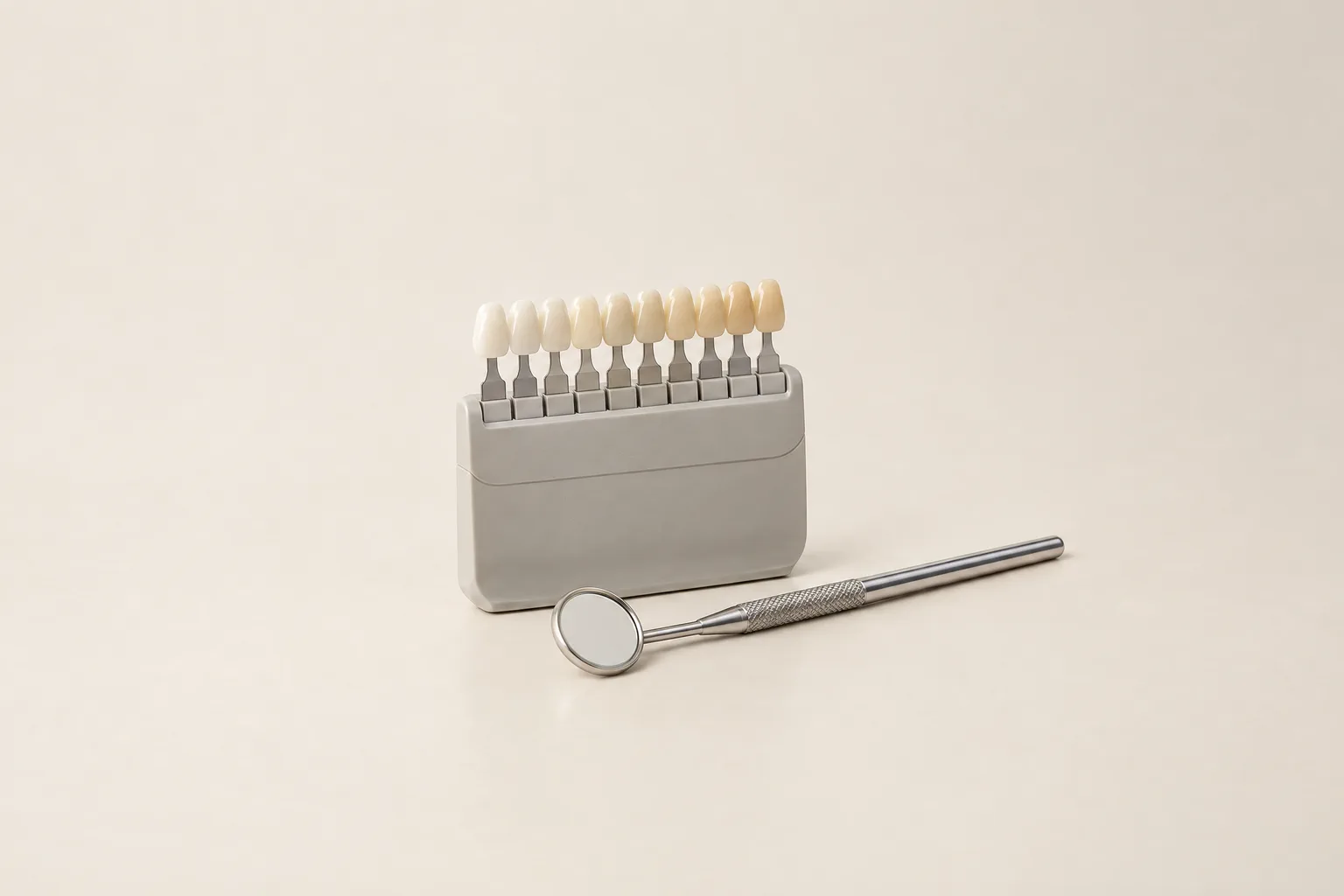
A B1 photograph can show an appearance you like or dislike, but it cannot verify the shade of another restoration. Explain what looks too bright to you, then ask to examine the B1 reference in the named guide. Keep B1/B2 and B1/BL1 questions separate.
B1 belongs to the reddish-yellowish B family in VITA's classical system. This category describes the reference grouping, not a promise that a veneer will look yellow.
Start by describing the example that brought you here. Is the concern the contrast with adjacent teeth, the overall brightness or the expectation created by a before-and-after image? Naming the concern is more useful than asking for B1 without explaining what you liked.
Keep the example as a discussion aid while the actual reference and proposed restoration are reviewed on their own terms.
Illustrative veneer materials. Displayed colors are not a clinical shade match.
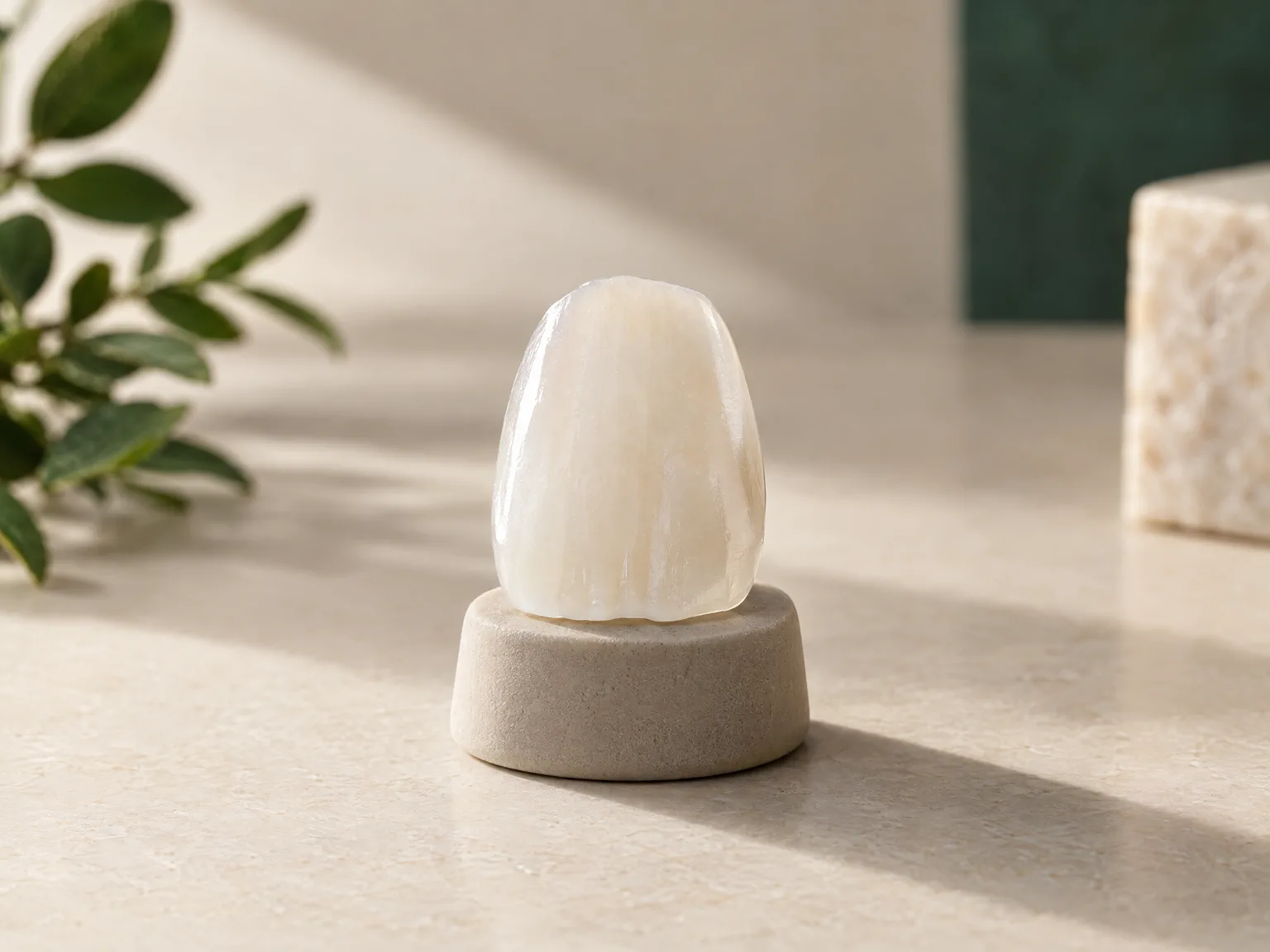
There is no universal answer from the B1 code. Compare the proposed reference in the context of your teeth and the appearance you want.
Explain whether your priority is blending with surrounding teeth or discussing a brighter appearance. Ask to review the physical sample with your dentist.
If B1 looks too white in a picture, point out what concerns you. A photograph can start a conversation; it does not determine which shade suits you.
Keep B1 separate from BL1. Use the bleach-shade guide for that distinction and A1 vs B1 for the classical comparison.
A before-and-after caption saying B1 leaves important questions open: which guide was used, which restoration is pictured and how was it photographed? The caption alone is not evidence of another person's shade.
When discussing a saved image, point to the feature that attracts or concerns you instead of asking for an identical result. Ask what can be assessed with the proposed sample and what remains uncertain.
Ivoclar's scientific report illustrates the same B1 veneer over differently shaded die-material specimens. That example helps explain why copying a code from a photograph is not a promise of copying its appearance.
The porcelain veneer guide covers restoration background. For questions about shape and surface detail rather than B1 itself, read how veneers can look natural. The broader veneer shade guide brings the selection questions together.
If B2 is the alternative being discussed, stay within the VITA classical B references for that review. B1 and B2 share the family label, but this does not quantify the difference you would see in completed veneers.
Ask to see both references in the same guide and lighting if those are the alternatives being proposed. Describe the difference you notice and ask how the planned material relates to it.
If your saved examples instead mention A1, move to the dedicated A1 vs B1 tooth shade comparison. To decode the A1 label first, use the A1 shade guide.
Before the design is finalized, clarify which review stages are available, how your preference is recorded and which changes remain possible. Do not assume that a particular temporary or try-in stage is included.
This page is for education only and does not replace an individual dental examination. Read the Terms and Medical Disclaimer.
Use the Colombia Smile Studio veneer travel guide to organize your questions before your individual dental discussion.
The B1 label alone cannot settle that preference. Ask to review its physical reference beside your teeth and explain what you consider too bright. The intended material and full design belong in that discussion.
Yes. VITA places B1 and B2 in its classical B family. That identifies their reference grouping; it does not promise a fixed appearance difference between completed restorations.
No. A photograph by itself does not establish the other restoration's shade system, material or lighting. It can help describe a preference, but your own plan needs its own reference and review.
Use the Colombia Smile Studio veneer travel guide to organize your questions before your individual dental discussion.